Keyboard action language can look more precise than it really is. An 88-key instrument may use weighted, hammer-action or semi-weighted keys, while another listing emphasizes touch sensitivity without identifying the mechanism at all. These descriptions answer different questions. This guide explains how to read the evidence without turning a marketing label into a promise about feel, technique or progress. The aim is a clear comparison of what each exact instrument documents, followed by the checks that still require a manual or a personal playing assessment.
Read the complete action phrase
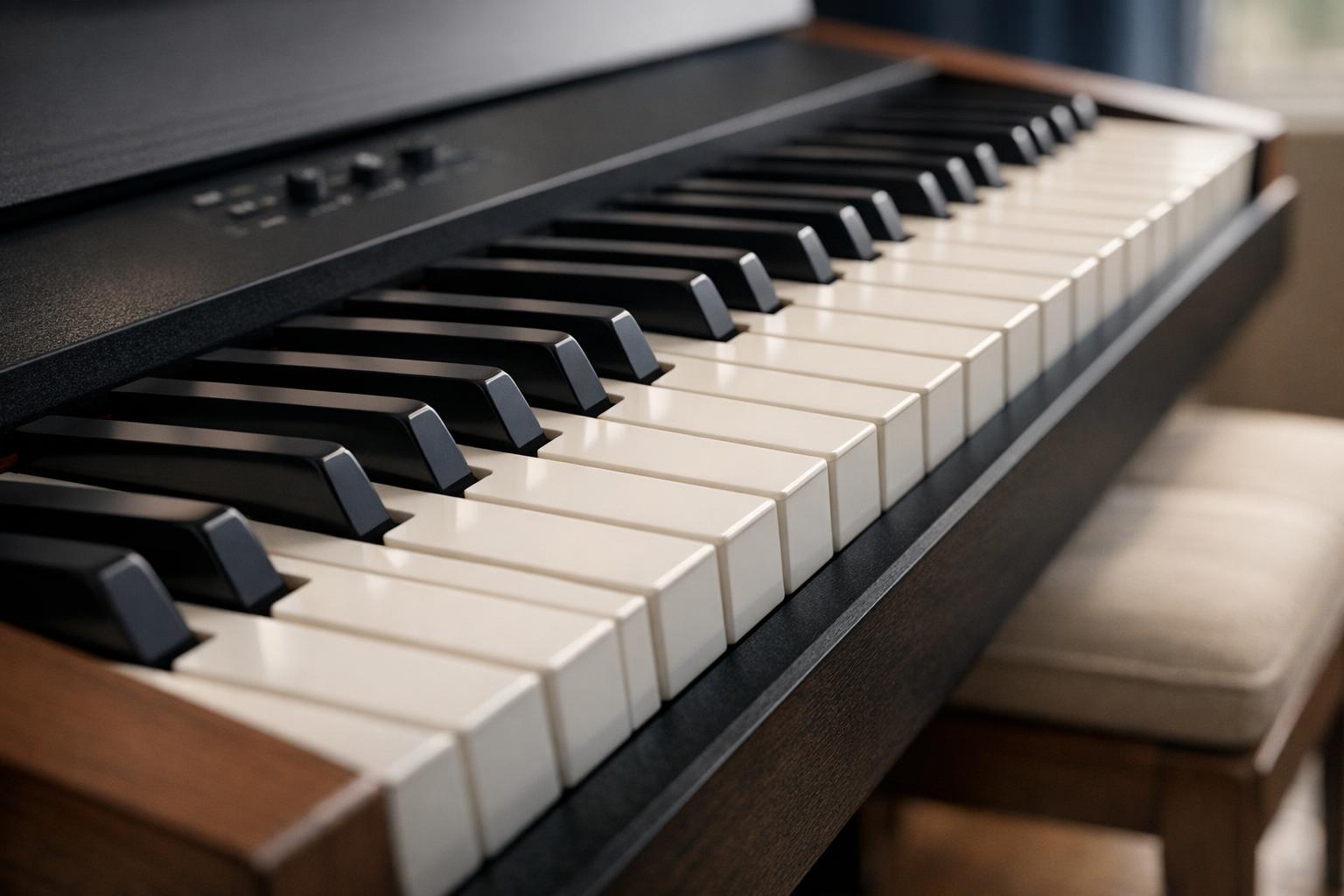
Begin with the exact phrase, including any qualifier. Semi-weighted contains the word weighted, but dropping the first half changes the claim. Similarly, touch-sensitive describes a response to how a key is played; it does not by itself describe the physical resistance of the mechanism. A listing saying full-size keys is referring to another characteristic again. Record those terms separately rather than combining them into a more impressive description.
Our extraction rules preserve the source wording beside the resulting action label. A semi-weighted phrase is handled before a weighted match, so it cannot accidentally enter the weighted comparison through a substring. A hammer-action description is accepted only when it is stated for that listing. We do not infer the mechanism from the instrument's weight, price, brand or the name of a related model. This conservative approach leaves some fields blank, but a blank is preferable to supplying an unsupported mechanical specification.
For the next part of this decision, read Console or Portable Digital Piano: Choosing a Format. Keep the equipment requirement separate from personal preference, and verify the exact selected model before treating related information as evidence for your own configuration.
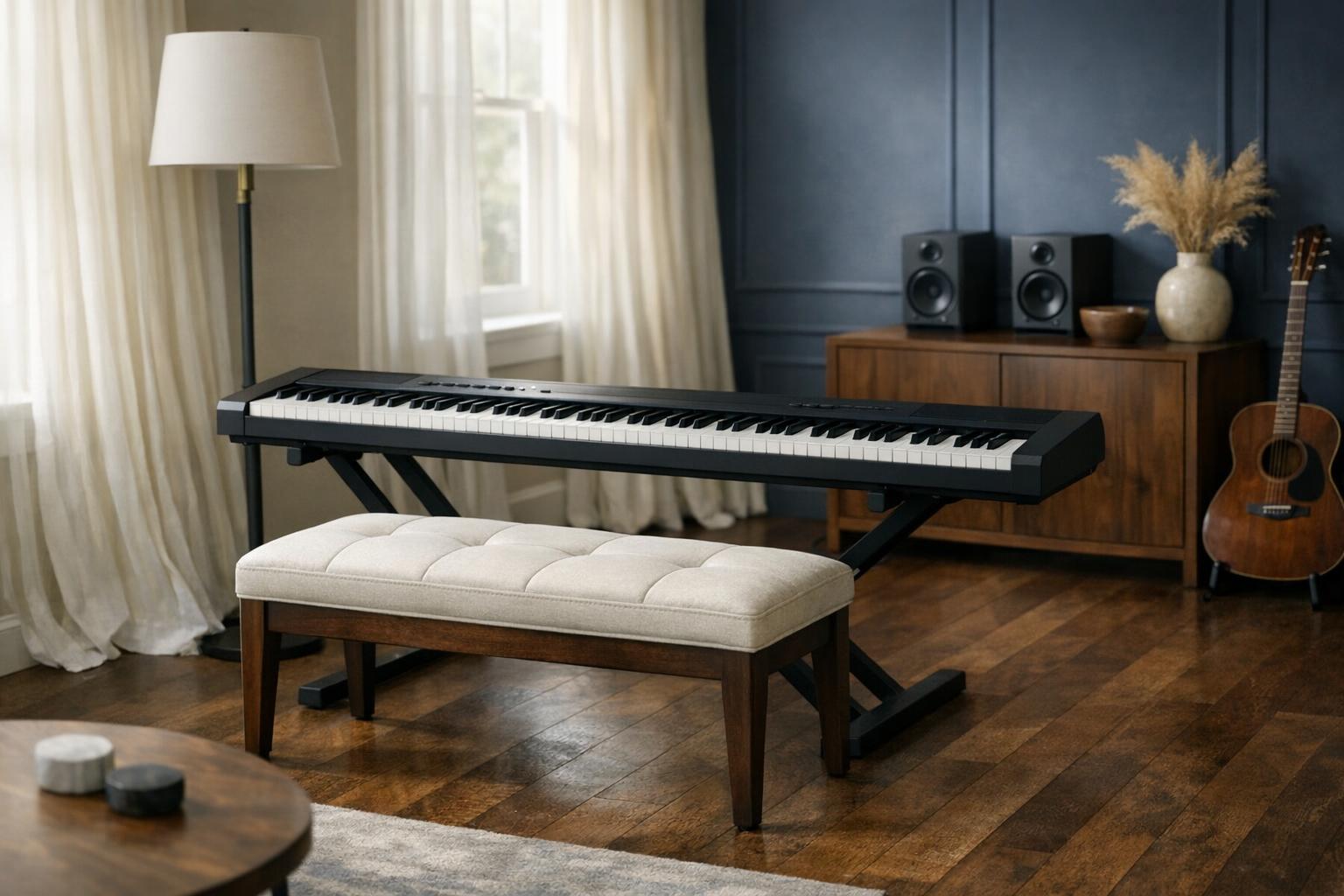
Distinguish action from velocity response
An instrument's velocity response determines how playing input is translated into changes in sound. The options available for adjusting that response are model-specific. A touch curve setting may alter the relationship between input and output without altering the physical key mechanism. Therefore, a listing advertising several touch settings should not be read as offering several different mechanical actions. Check the terminology and available settings in the exact manual.
For practical comparison, ask separate questions: what mechanism is named, what response settings exist, and can those settings be changed without an app? If a seller mentions graded action, find the manufacturer's description of that term rather than assuming a universal implementation. Our site records documented action wording; it does not measure key force, repetition behavior, pivot geometry or noise. Those missing measurements cannot be reconstructed from a review average, even if many buyers say they enjoy the instrument.
For the next part of this decision, read Digital Piano Headphones and Quiet-Use Planning. Keep the equipment requirement separate from personal preference, and verify the exact selected model before treating related information as evidence for your own configuration.
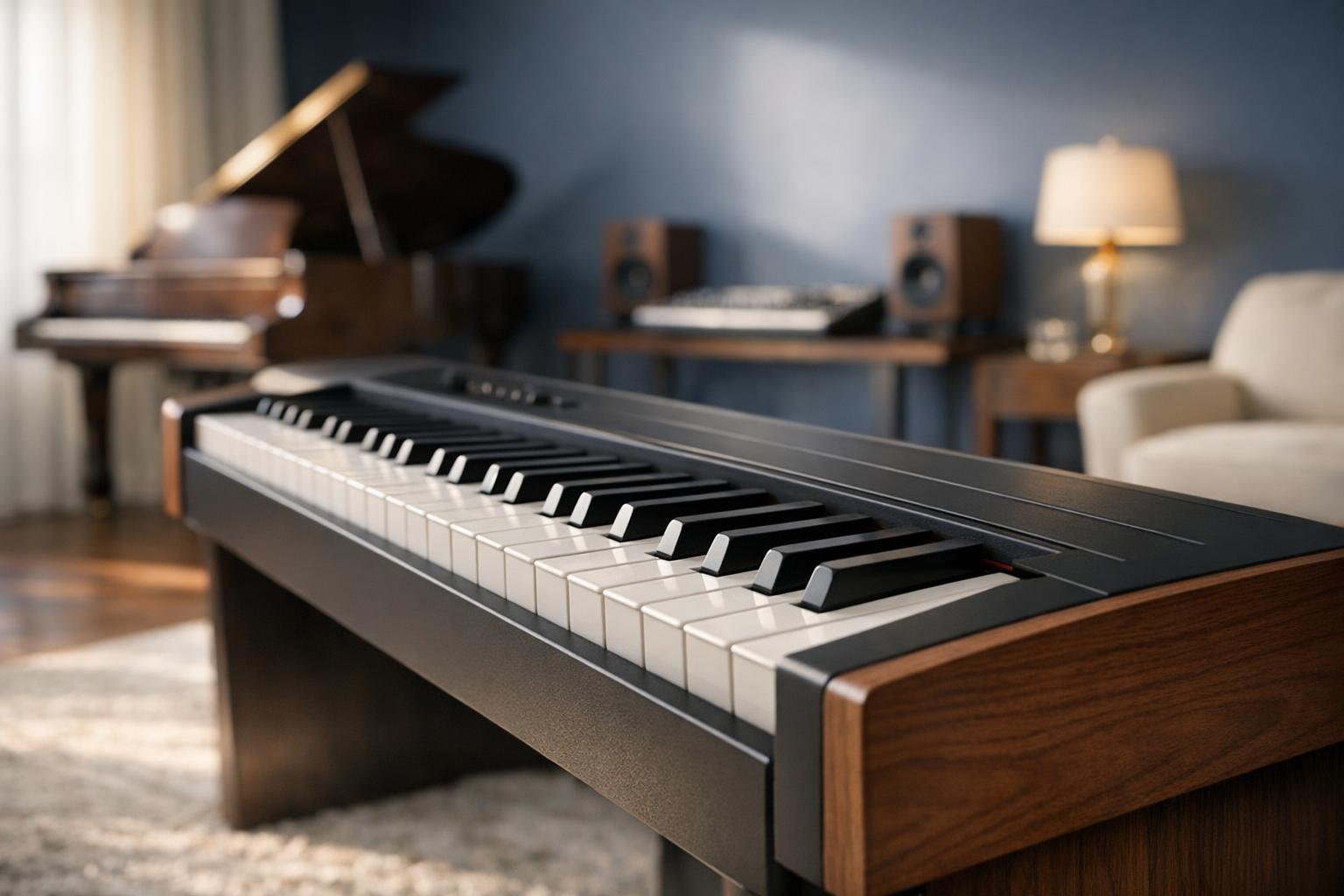
Make a focused playing comparison
When a local demonstration is possible, compare the tasks that matter to you rather than simply playing the loudest sound. Keep the listening arrangement comparable: headphones and built-in speakers can create different impressions. Check the controls first so that an unfamiliar touch setting or effect does not become a mistaken judgment about the keyboard. Give yourself enough time to notice whether the bench and support arrangement are influencing the experience.
If you cannot try the instrument, use return conditions and exact documentation as part of the decision rather than claiming remote certainty. A recorded demonstration can reveal available sounds, but its microphones, room, processing and playback device complicate direct comparison. Individual reviews may describe preferences rather than defects. Look for repeated, specific observations and verify whether they concern the same model and configuration. We do not translate general enthusiasm into a claim that an action is objectively better or that it will produce a particular educational result.
For the next part of this decision, read USB, MIDI and Audio Connections on Digital Pianos. Keep the equipment requirement separate from personal preference, and verify the exact selected model before treating related information as evidence for your own configuration.
Keep the shortlist tied to its purpose
Our weighted comparison is a documentation-qualified list of complete 88-key pianos with captured public reviews and explicit weighted or hammer-action wording. It is not a ranking of every keyboard mechanism on the market. Console and portable comparisons answer a different question about the arrangement of the instrument. The same model can legitimately appear in more than one list when it meets each rule, but its raw evidence does not change between pages.
Before choosing, connect the action requirement to the rest of the instrument. Confirm the included pedal, speaker arrangement, headphone socket and stand compatibility. A keyboard that meets your action criterion can still be the wrong physical package for the room. Write down which facts are verified and which remain unresolved, then ask the seller or manufacturer only the unresolved questions. This keeps the final choice anchored to a complete instrument rather than to one attractive phrase in its title.
Sources and further reading
- Yamaha 88-Key Weighted Portable Digital Piano Keyboard with Music Rest, Sustain Foot Switch, Built-in Speakers, USB Connectivity, Black (P45B) — exact equipment listing
- Yamaha manual library: choose the exact model; do not substitute series specifications
- Yamaha portable piano range: separate action, USB audio/MIDI and polyphony fields