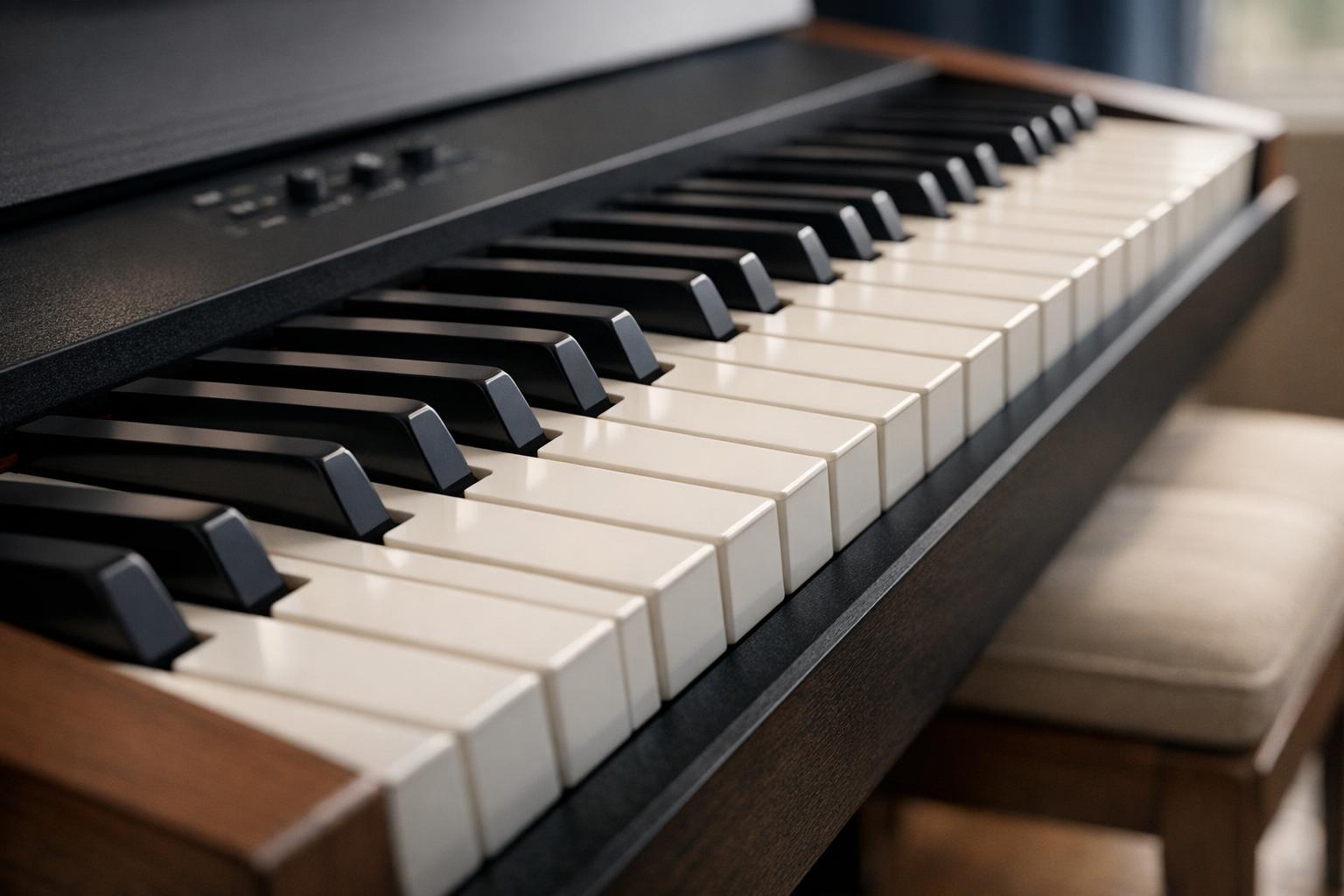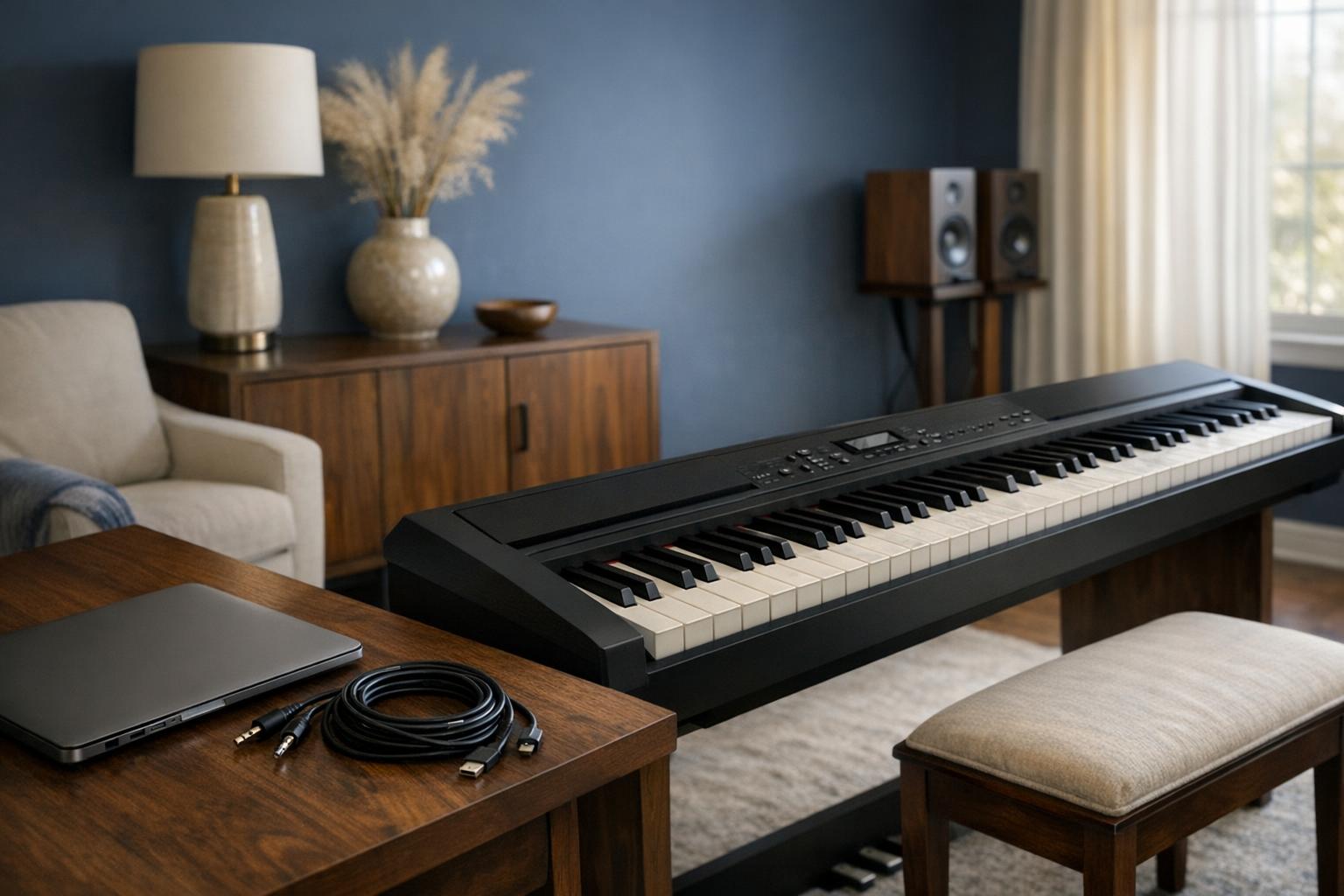
A port label can describe a physical connector, a communication standard or a particular function, and those are not the same thing. USB does not automatically mean audio recording, MIDI does not carry the sound of the piano, and Bluetooth does not establish wireless headphone support. Start with the task you want to perform, then follow the exact model's documented signal path. This guide explains that reading method without promising compatibility between devices that have not been verified together or supplying electrical modification instructions.
Name the task before choosing the cable
Write down the intended result in plain language. You might want to send performance data to software, record the piano's own sound, play backing audio through its speakers or connect an external sound system. Each task can require a different function even when the sockets look familiar. Choosing a cable first often leads to the wrong question: whether the ends fit, rather than whether the two devices support the intended exchange.
Read the piano manual and the other device's documentation together. Identify which device acts as the host, what information is sent and whether additional software or a driver is required. A retailer's brief phrase such as USB connectivity may not settle any of those points. Our listing records can preserve the phrase, but they cannot expand it into an unsupported feature. If the documentation stops at USB-MIDI, do not rewrite that as USB audio simply because another model from the same brand supports both.
For the next part of this decision, read Polyphony and Piano Sounds: Reading Specifications. Keep the equipment requirement separate from personal preference, and verify the exact selected model before treating related information as evidence for your own configuration.
Keep MIDI separate from audio
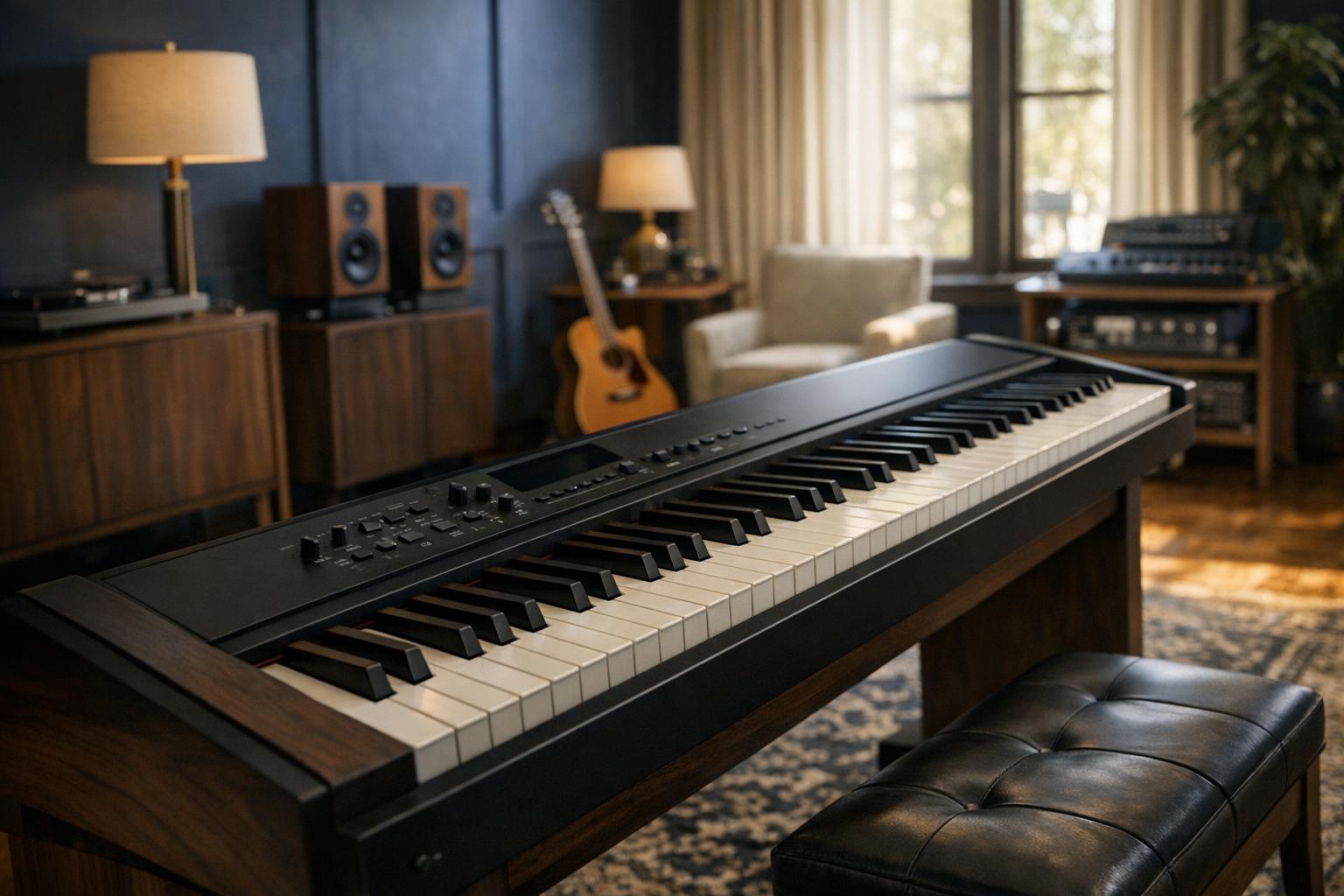
MIDI communicates performance and control information rather than the recorded sound itself. The receiving software or hardware uses that information according to its own capabilities. An audio connection carries a sound signal. This distinction matters when deciding whether you want to hear the piano's internal sound, a software instrument or both. A successful MIDI connection does not by itself place the piano's internal audio into a recording application.
Check the documented direction of every connection. An audio input used to play another device through the piano's speakers is not necessarily an output for recording the piano. Likewise, a headphone output and a dedicated line output may have different intended uses and requirements. Follow the manufacturer's level and connection instructions rather than assuming interchangeability. We do not test recording chains, measure latency or certify third-party interfaces; unresolved compatibility needs an answer from the relevant manufacturers or a controlled test of the exact equipment.
For the next part of this decision, read Caring for and Moving a Digital Piano. Keep the equipment requirement separate from personal preference, and verify the exact selected model before treating related information as evidence for your own configuration.

Read wireless claims by function
Bluetooth MIDI and Bluetooth audio describe different functions, and audio itself can be an input or an output depending on the device. A piano that receives backing music may not transmit its sound to wireless headphones. An instrument that sends MIDI data may still need a separate path for audio. Look for the explicit function in the manual and record the supported device or operating-system requirements where they are stated.
Avoid filling gaps from an app screenshot or a general wireless badge. Apps can change, supported operating systems can age, and an optional adapter may be required. Verify whether the adapter is included in the exact offer. If your intended arrangement depends on a phone or computer, check the current compatibility information before purchasing rather than relying on an old review. A feature being documented for one model is not evidence that a similarly named model implements it in the same way.
For the next part of this decision, read Weighted and Semi-Weighted Piano Keys Explained. Keep the equipment requirement separate from personal preference, and verify the exact selected model before treating related information as evidence for your own configuration.
Build a connection checklist you can verify
For each shortlisted instrument, write the desired task, named port, supported function, required cable and any additional device. Mark unknowns clearly. Then ask a precise question using the full piano model and the other device's model, rather than asking whether the piano works with a computer. The more specific question is easier to answer and less likely to produce a generic response that overlooks audio direction, driver support or an optional accessory.
Consider the physical setup too: cable length, access to rear sockets and a route that does not interfere with pedals or walking space. Do not modify connectors or use unsupported power arrangements. Keep the manufacturer's documentation with the final configuration notes, especially if several similar cables are stored together. Our comparison rating is based on captured reviews and documented attributes; it does not establish that your software, interface or wireless headphones will work. Treat that compatibility check as its own purchase requirement, not as something a high overall score can guarantee.